Customer Login
The Customer Login page (Sign in) gives customers — primary and secondary users — access to their devices and data.
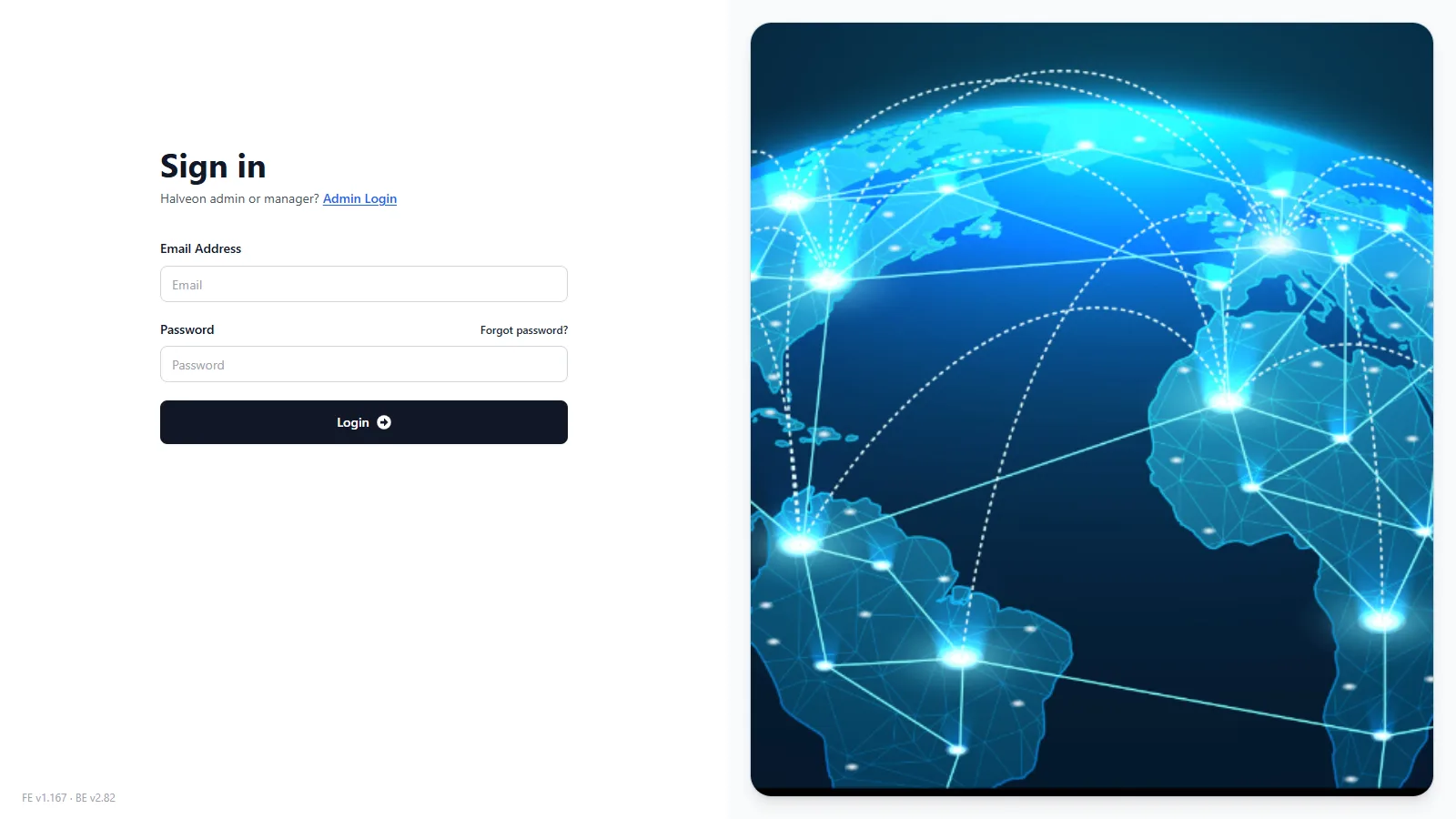
Steps to Login:
- Open halveoncloud.com/signin.
- Enter your Email Address and Password.
- Click Login. The Home page opens.
- If you forgot your password, click Forgot password?, enter your e-mail address and click Send Reset Link: you receive the e-mail Login Credentials Reset - Halveon with a new password.
Halveon administrators and managers do not log in here: use the link Admin Login under the heading ("Halveon admin or manager? Admin Login").
Features Available After Login:
1. Home and Device List
- Current and historical temperature and humidity data, as charts and tables.
- Alarms of your devices; acknowledge them with a comment.
2. Device Management (primary user)
- Configure device settings: record and upload intervals, modes and alarm limits.
- Start or stop devices.
3. Flight Mode Configuration (primary user)
- Up to 5 flights per device: departure and arrival airport, radius and flight duration.
4. Download Data
- PDF report (always) and CSV file of a device for a chosen period and interval, optionally also by e-mail.
What primary and secondary users can do: Customer User Access.