HalveonCloud User Access
HalveonCloud has three access points:
- Customer Login: for customers (primary and secondary users) — the Sign in page.
- Your Account: customer accounts are created by Halveon; the login details arrive by e-mail.
- Admin Login: for Halveon administrators and managers.
Customer Login
The Sign in page gives customers access to their devices and data.
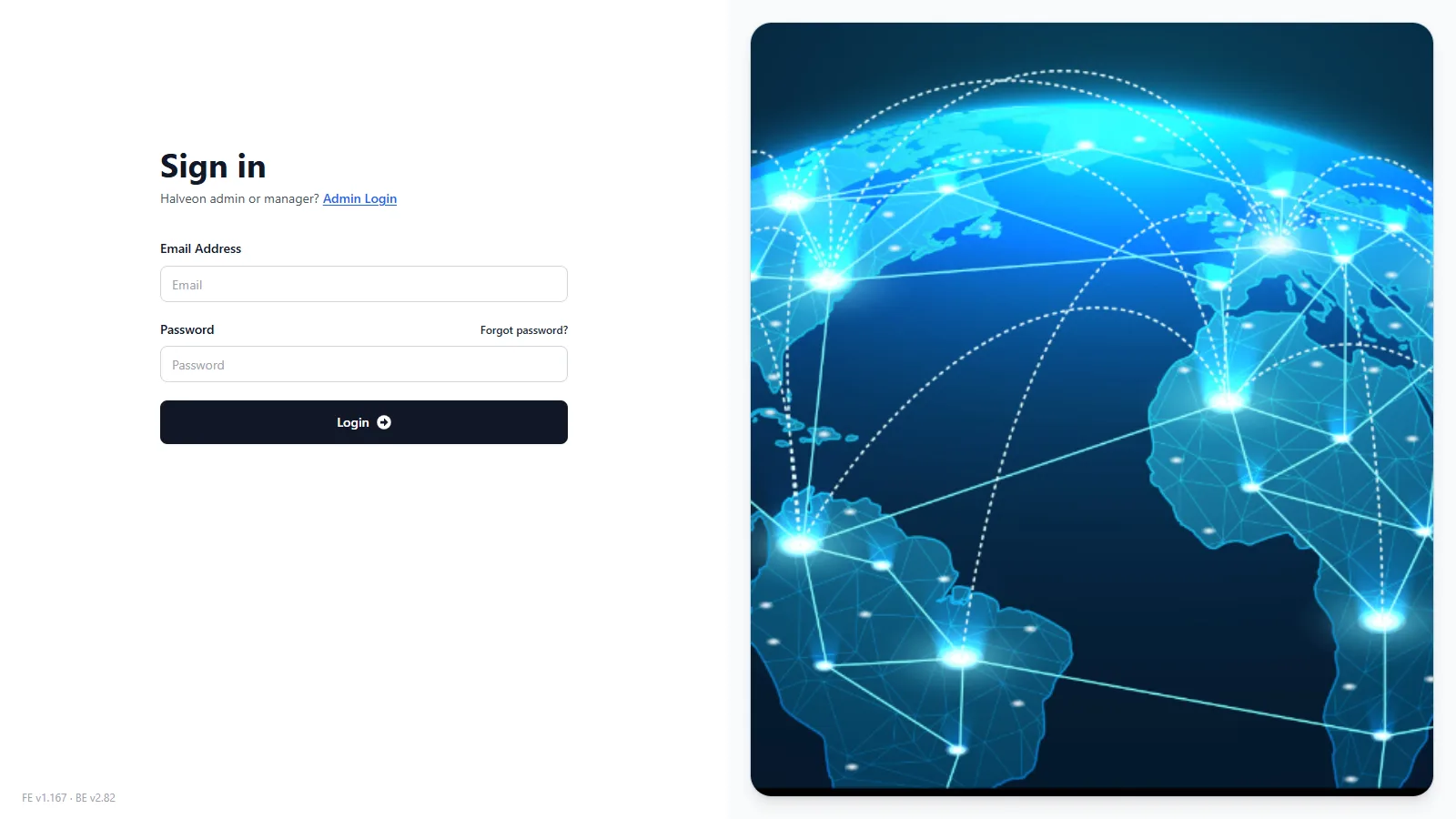
Steps to Login:
- Open halveoncloud.com/signin.
- Enter your Email Address and Password.
- Click Login.
- If you forgot your password, click Forgot password?.
Features Available After Login:
- Home and Device List: current and historical temperature and humidity data, alarms.
- Devices: configure, start and stop devices (primary user).
- Flight Mode: set the flights of a device (primary user).
- Download Data: PDF and CSV reports, also by e-mail.
What primary and secondary users can do: Customer User Access.
Your Account
There is no self-registration: Halveon creates customer accounts, and every address of the account receives the welcome e-mail with the login details. See Your Account.
Admin Login
The Admin Sign in page is for Halveon administrators and managers.
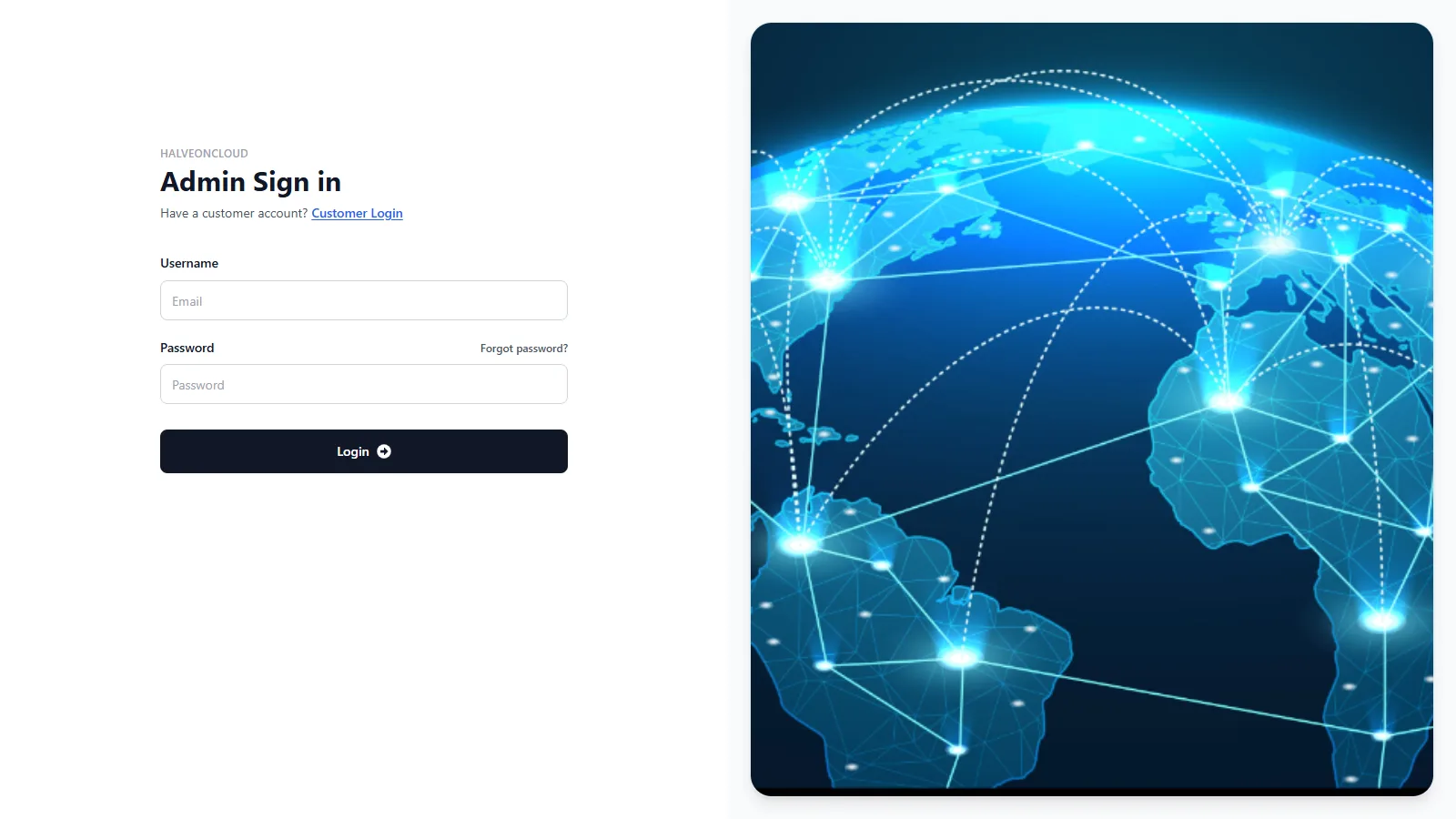
Steps to Admin Login:
- Open the Admin Login page — on the customer Sign in page use the link Admin Login ("Halveon admin or manager? Admin Login").
- Enter your e-mail address (field Username) and Password.
- Click Login.
- Customers who opened this page by mistake use the link Customer Login ("Have a customer account? Customer Login").
Features for Admins and Managers:
- Administrators: manage customer accounts (add, update, delete), add and delete devices, notification settings, bulk configuration.
- Managers: create customers with devices, add devices to existing customers, bulk configuration.
Details: Admin and Manager Login.
Features Overview
| Access Type | Features |
|---|---|
| Customer Login | View devices and data, receive alarm e-mails; configure and start devices (primary user). |
| Your Account | Created by Halveon; login details by e-mail. |
| Admin Login | Manage customer accounts and device assignment (administrators), add customers and devices (managers). |